
Dirt Town controls
These eight keyboard bindings and HUD readouts come from the in-game cab overlays across the dozer, wheel loader, hauler, and excavator. Select a machine tab or search by action, key letter, or status text to filter the ledger.
No printed key matches that search.
Dozer frame
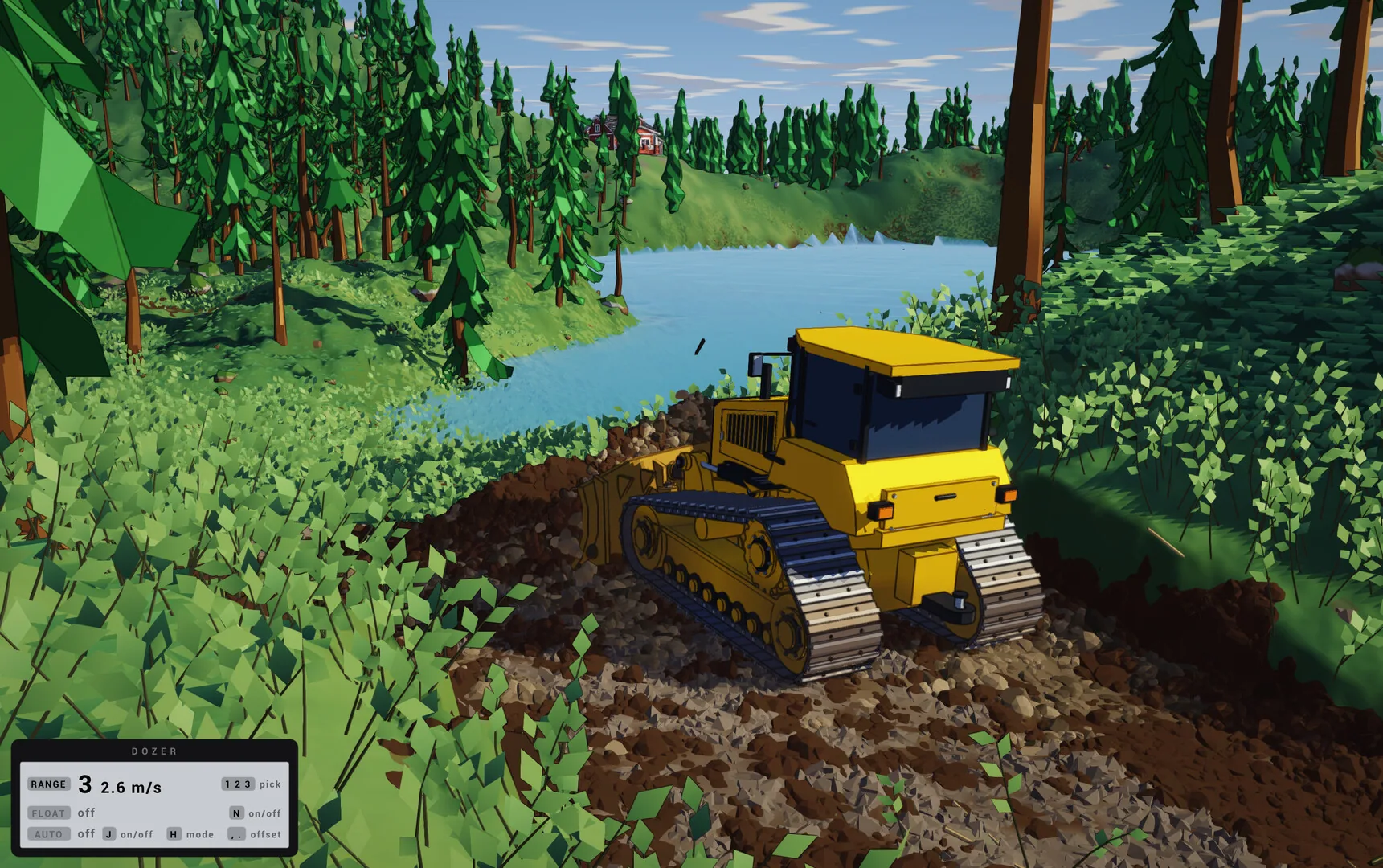
NFloatFLOAT off
JAuto levelAUTO off
HBlade modeH mode
Dozer frame with float and auto readouts
Other printed frames
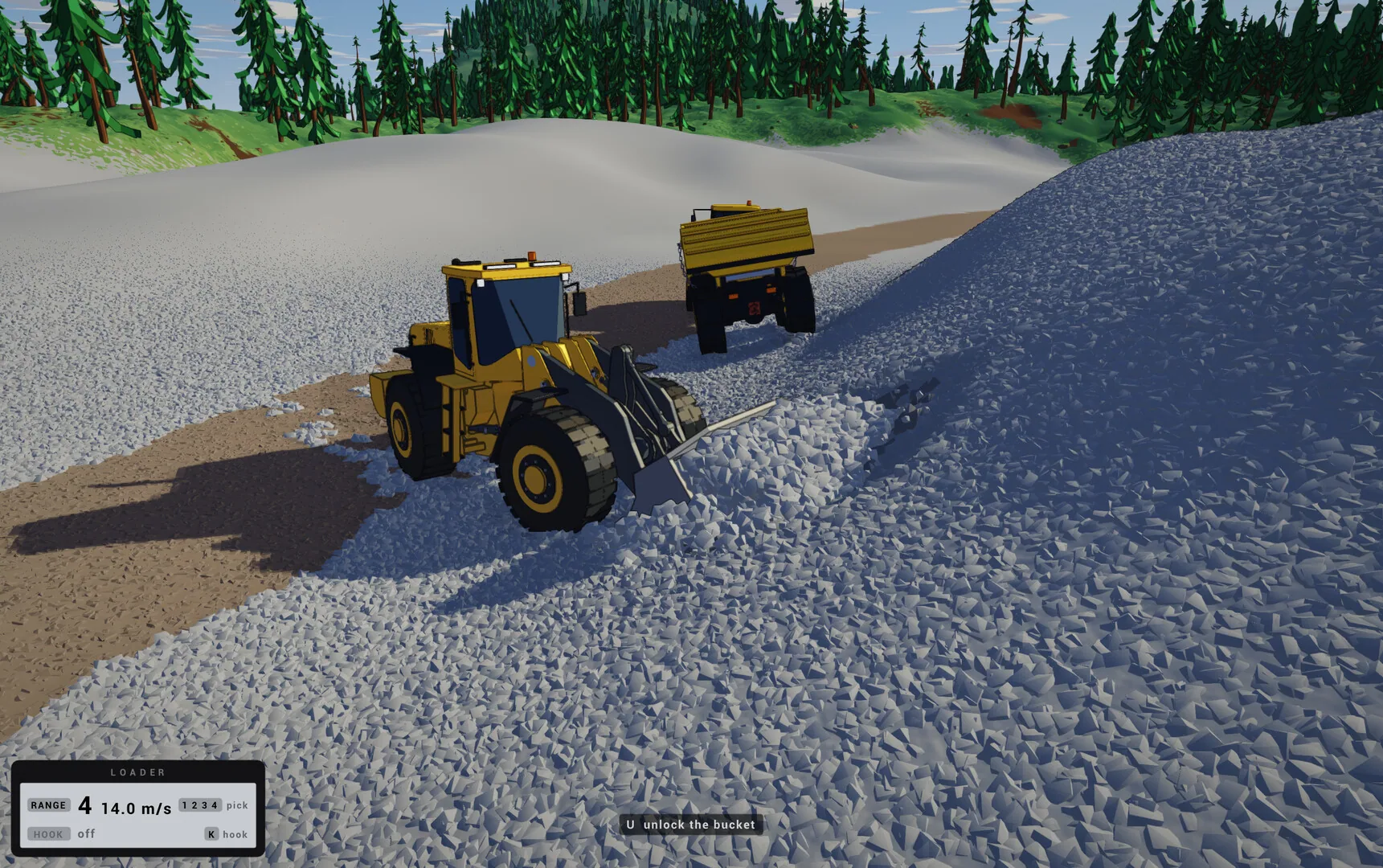
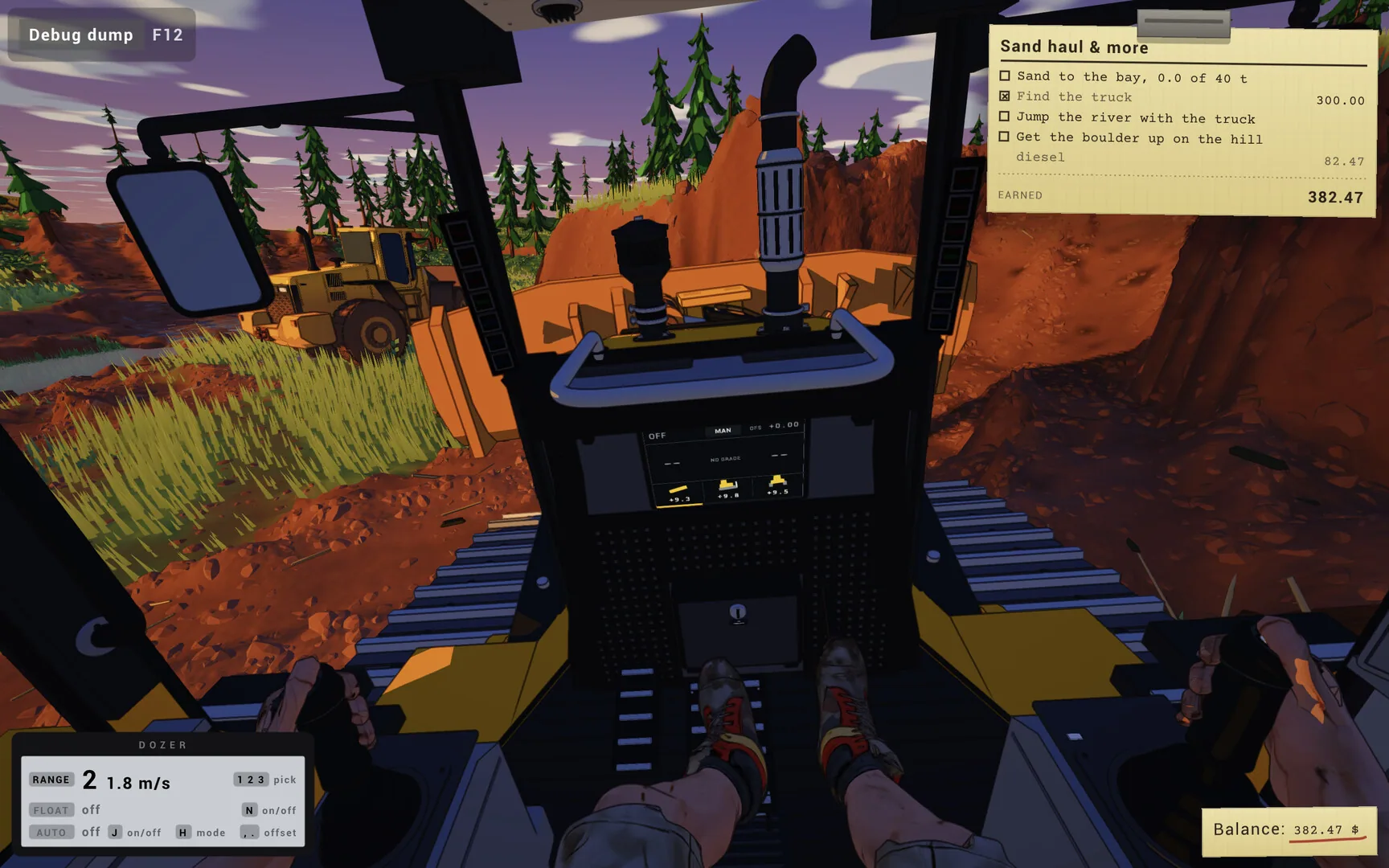
What the frames leave out
Cab HUD and binding guide
Grading smooth roads relies on three dozer toggles: N switches blade float so the cutting edge follows ground contours without digging ruts, J toggles automatic blade leveling when working against survey sticks, and H cycles the blade operating mode. Together these three keys let you transition from rough pioneering cuts to fine finishing passes.
When working the sand pit or swapping front tools, the wheel loader uses K to toggle the attachment hook state and displays a U prompt to unlock the bucket from the quick coupler. That physical hooking workflow carries over into Early Access where multiple front attachments can be swapped in the yard.
On the Early Access excavator, the N key is reassigned from blade float to opening and closing the boom grip, while L controls the work lights just as L toggles headlights on the hauler. Keeping work lights on helps read trench depth and dump bed edges in shaded cuts or rain.
Wheeled haulers and loaders display a four-step gear selector (1 to 4) paired with a speed readout in meters per second, such as RANGE 4 at 14.0 m/s on open flats or 2.6 m/s under load. In Early Access, operators can also step out of the cab on foot to climb machines, attach tow chains, or drill boulders.
Beside the lettered N, J, and H prompts on the dozer overlay, a separate two-dot symbol marks the blade offset control. Because that readout uses a graphic glyph rather than an alphanumeric keycap, it is tracked as a visual HUD indicator alongside the eight lettered bindings.
Every Windows and macOS hardware tier marks gamepads as optional while supporting dual joysticks and steering wheels. Operators running analog sticks or pedals can combine proportional steering and blade tilt with the keyboard toggles for float, hooks, and work lights.